How to Set Up Costa Oro in MT5: Complete Beginner Guide
Published Nov 19, 2026, 03:33 PM · 1 min read
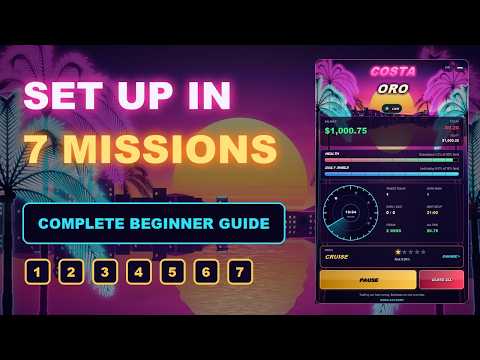
We just published a new video on MCP Labs Forex. It covers How to Set Up Costa Oro in MT5: Complete Beginner Guide. Watch it here and read our summary below.
What this video covers
New to trading robots? This beginner guide takes you from zero to Costa Oro running on a demo account in seven simple missions: install MetaTrader 5, open a hedging demo account, get Costa Oro, turn on Algo Trading, attach it to gold, start it from the panel, and practise safely.
LINKS
Free demo on the MQL5 Market: https://www.mql5.com/en/market/product/209652
Costa Oro on our website: https://mcpautomation.io/products/costa-oro-mt5
Full tutorial, research and backtest: https://youtu.be/xbsLcnadFPA
Costa Oro channel: https://www.mql5.com/en/channels/costa-oro-gold-ea
CHAPTERS
0:00 Introduction
0:24 Mission 1: Get MetaTrader 5
0:50 Mission 2: Open a hedging demo account
1:11 Mission 3: Get Costa Oro
1:58 Mission 4: Turn on Algo Trading
2:35 Mission 5: Attach it to gold
3:19 Mission 6: Meet the panel and press START
4:03 Mission 7: Practise safely
4:50 Links and risk warning
IMPORTANT
Always start on a demo account. Costa Oro needs a hedging account. Results in the Strategy Tester are simulations, and the EA has no live trading record yet. Trading gold with leverage carries a high risk of loss. This video is education and is not financial advice. The narration is AI-generated.
Run the EA from these videos
Everything shown here runs on Apex Drawdown Zero for MT5 — a selective MT5 Expert Advisor with a stop-loss on every trade and risk-based sizing (V9 has no account-level drawdown halt; V12 does). See more clips on our videos page or subscribe on YouTube.
---
*Any results, returns or win rates mentioned in this video are examples from specific accounts and periods and are not typical or guaranteed. Trading carries substantial risk of loss. Past performance is not indicative of future results — read our full risk disclosure.*